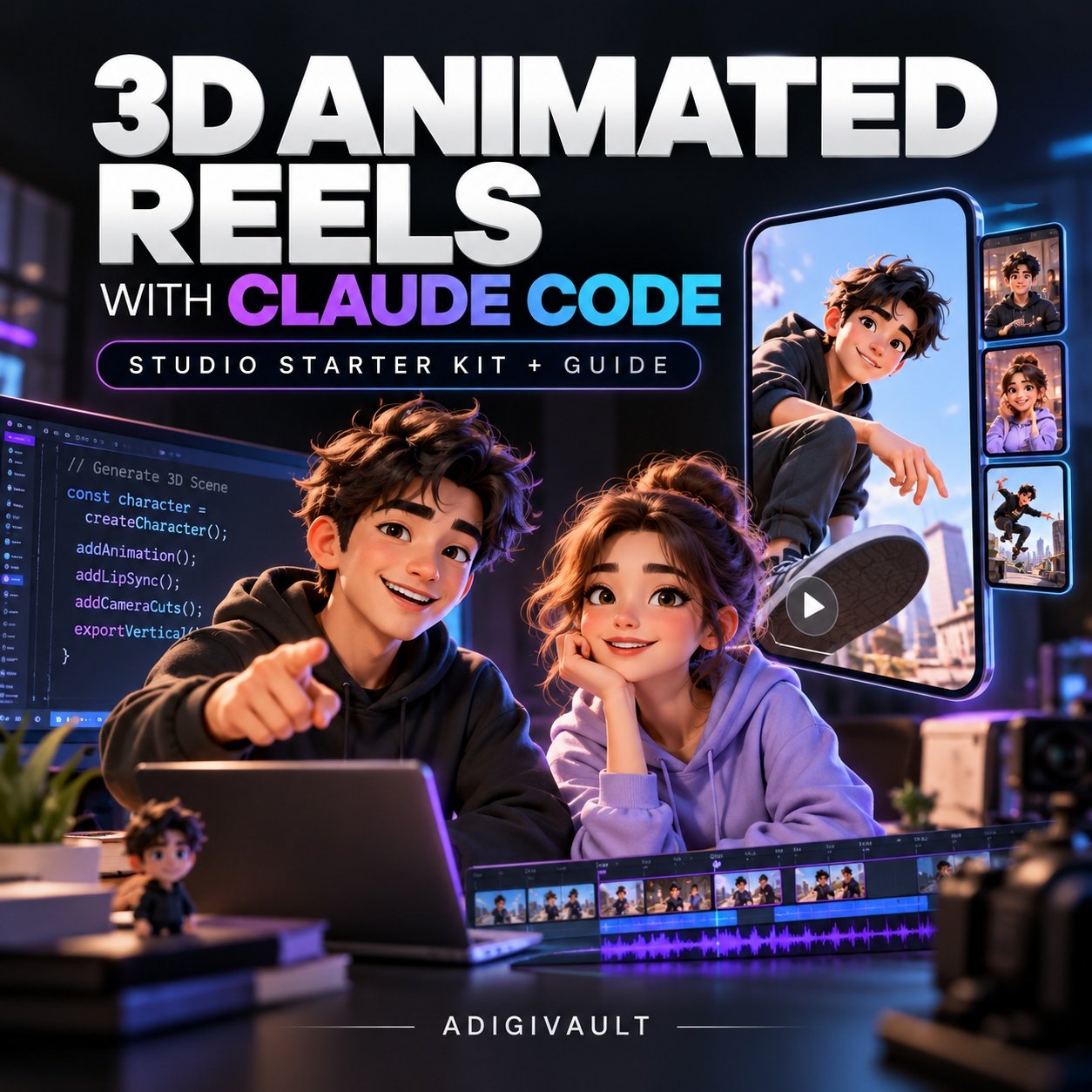
3D Animated Reels with Claude Code (Studio Starter Kit & Guide)
Build your own automated 3D animation studio that turns a 100-word script into a finished 1080×1920 vertical reel with 2 characters, automated camera cuts, lip-sync, and captions. Zero video-AI credits, zero subscription fees, unlimited renders on your computer.
Watch a Finished 1080×1920 Reel Made by This Studio
This entire vertical reel was generated from a 100-word script with zero video-generation AI models and $0 in voice fees using free Microsoft neural voices. Press play to experience the automated camera cuts, lip-sync, and kinetic captions:
Sample Episode: “Friday Deploy” · 1080×1920 · 30 FPS · Mixed to -14 LUFS
Stop Burning $50-$200/Month on Video-AI Credits
Platforms like Runway Gen-3, Luma Dream Machine, and Kling charge expensive monthly subscriptions or credit packs. Even worse: characters hallucinate different faces between cuts, camera angles drift randomly, and you cannot fix a single word without re-spending credits to regenerate the entire video.
With Claude Code & Three.js: Every frame is rendered deterministically by code running in headless Chrome. That means: zero per-video credits, zero watermarks, 100% character consistency, and if you change one word in your script, you can re-render in 3 minutes without paying a penny.
⚙️ How the Automated Production Pipeline Works
1. Script (100 Words)
You write an episode in script.json specifying lines, moods (angry, flat, confused), and dramatic pauses.
2. $0 Neural Voices
Automated speech synthesis via free Microsoft Neural Voices (zero API keys required) or optional ElevenLabs.
3. Millisecond Timing
Extracts exact word timestamps that drive kinetic captions and mouth shapes with zero lip-sync software.
4. Automated Director
Automated camera cuts alternate between speaker close-ups, over-the-shoulder angles, and wide comedic silent beats.
5. Headless 3D Render
Puppeteer runs the Three.js 3D scene in Chrome at 30 fps, capturing crisp 1080×1920 frames straight to ffmpeg.
6. Auto Audio Mixing
Blends dialogue, automatically ducks background music under speech, and normalizes output to standard -14 LUFS.
📦 What You Receive in the Instant Download:
- The 45-Page Master Build Guide (PDF): 13 chapters detailing the exact architecture, installation steps, comedy scriptwriting blueprints, custom prompt templates, and social channel growth tactics.
- Complete Studio Starter Kit (ZIP): Full tested source code including
engine/index.html(Three.js 3D scene),make.py,tts.py,render.mjs,mix.py, andCLAUDE.md. - Episode 01 Pre-Built Template: Complete working sample episode (“Friday Deploy”) ready to preview in 30 seconds.
- Sample 1080×1920 Reel (MP4): The full master video file to inspect timing, audio mix, and visual quality.
- 8 Master Prompts for Claude Code: Copy-paste prompts to design custom 3D characters, change sets, modify lighting, and generate infinite comedy episodes.
📚 Complete Guide Curriculum (13 Chapters)
💻 Technical Requirements:
• Computer: Windows 10/11 or macOS (8 GB RAM minimum, 16 GB recommended). No dedicated graphics card (GPU) required.
• AI Access: Active Claude subscription with Claude Code terminal access.
• Free Software: Node.js (v20+), Python (3.10+), ffmpeg, Google Chrome. Full copy-paste install commands included.
No reviews yet.
Add a review
Your email address will not be published. Required fields are marked *